Wear it once,
it's archived
Photograph today's outfit. Aurobe recognizes every piece in the picture, turns each one into a clean item image, fills in category, colour, material and fit, and files it into your digital closet.
Free to download · 5 welcome credits · iOS 15+ · EN / 中文
Only the photos you pick are ever uploaded. Your library stays on your phone.
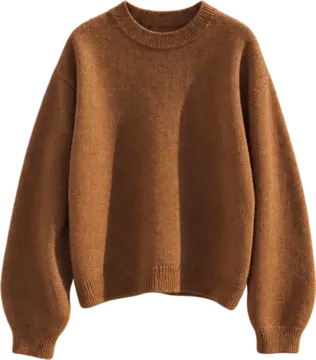
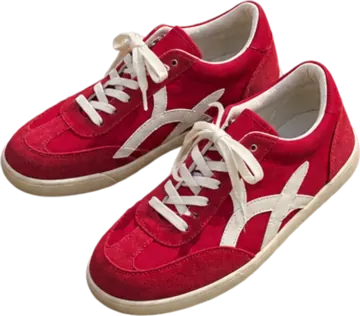

One photo, three steps into your closet
No photographing each piece and typing in each field. The outfit photos you already take are the way in.
Pick a photo
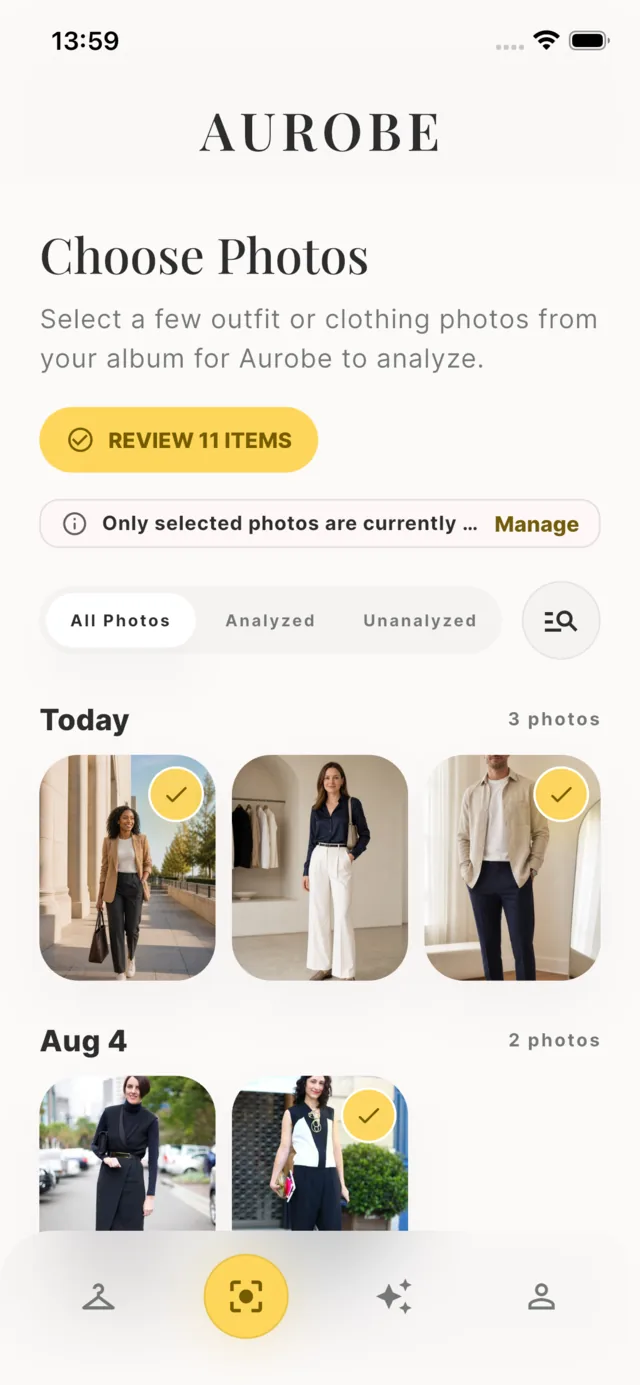
Choose today's outfit from your library. Only the photo you tap is uploaded — the library is never read as a whole.
Automatic breakdown
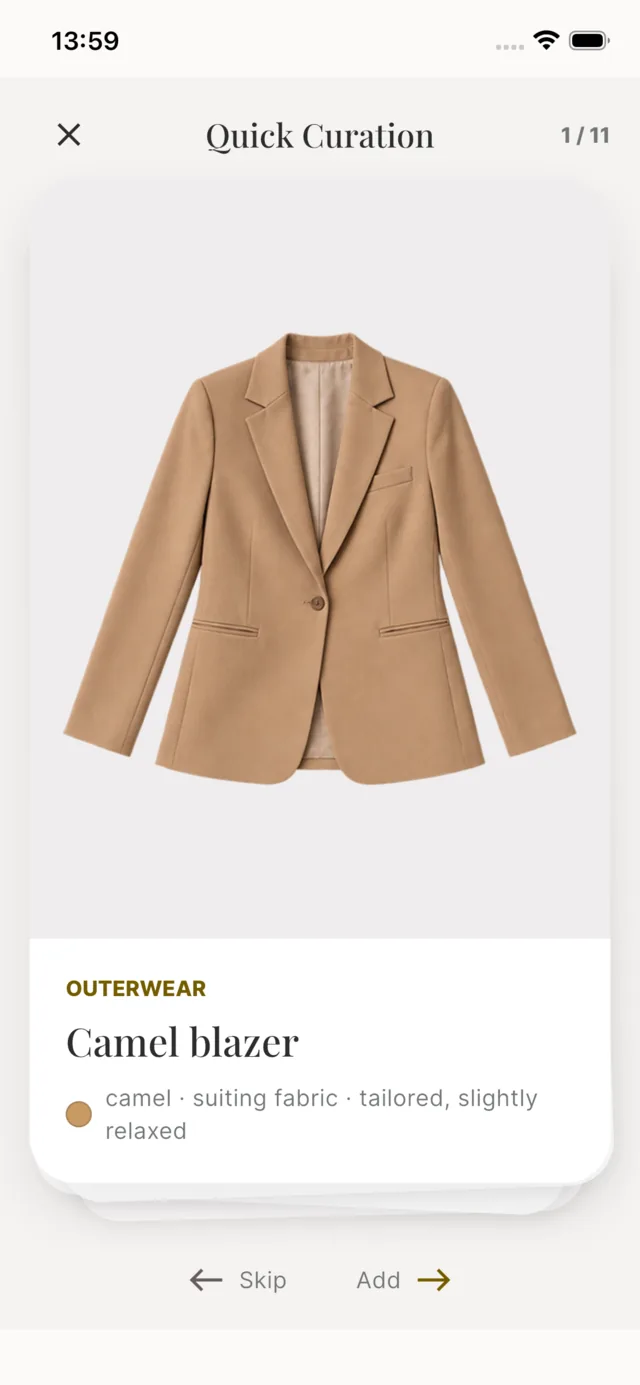
AI recognizes every piece and turns each one into a clean image on a transparent background — tops, trousers, shoes, bags, accessories.
Filed away
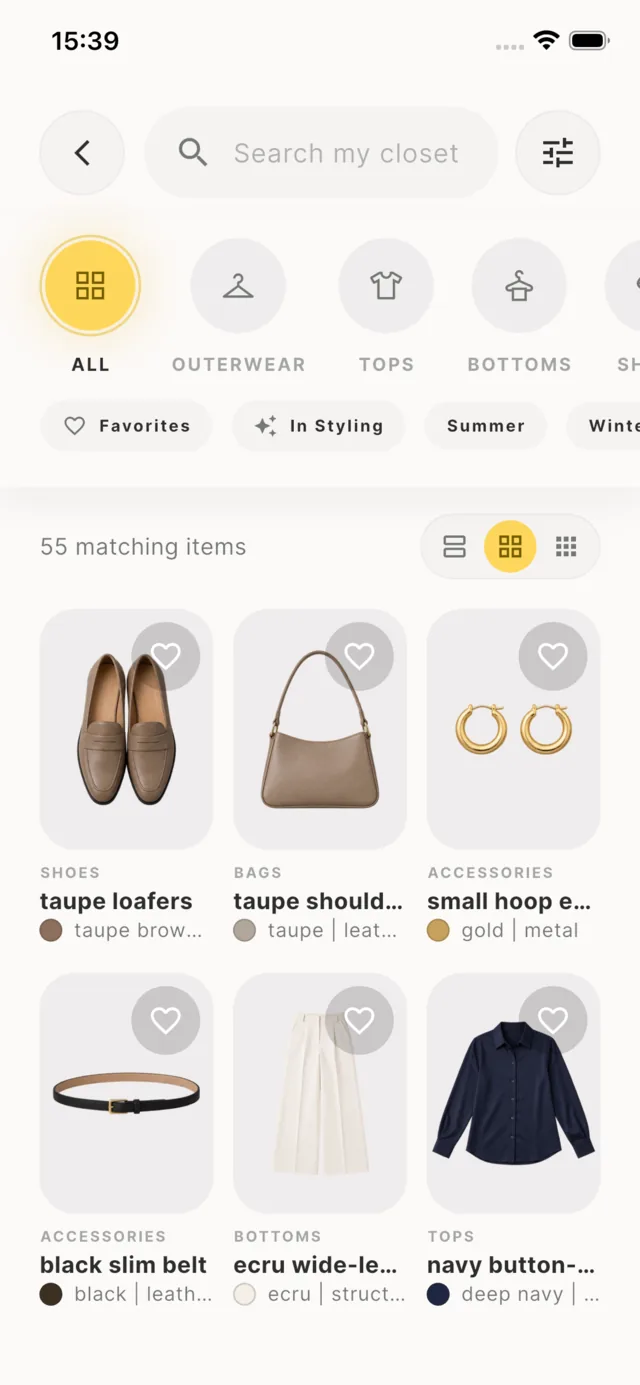
Category, colour, material and fit are filled in and sorted for you. The longer you use it, the clearer you see what you own and what you actually wear.
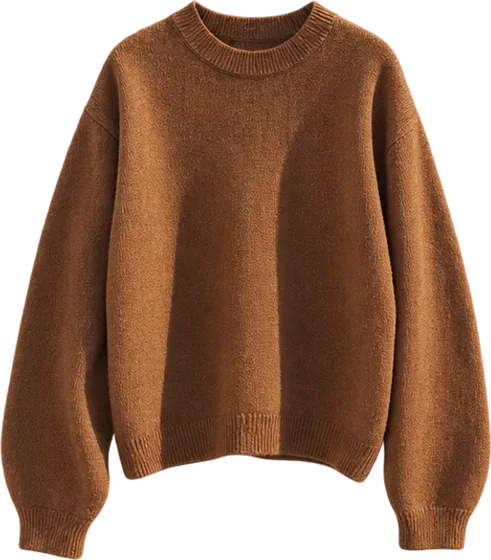
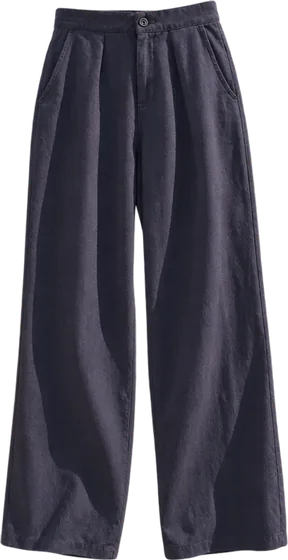
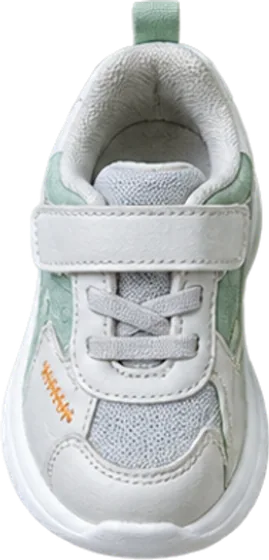
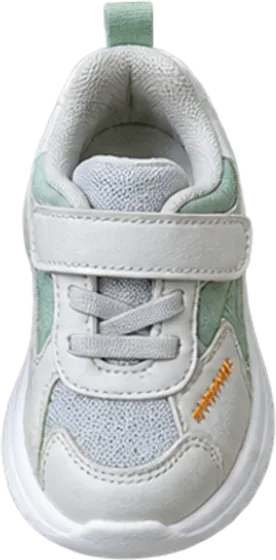
Your closet, at a glance
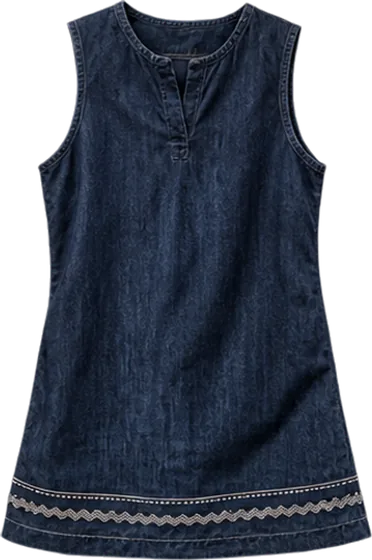
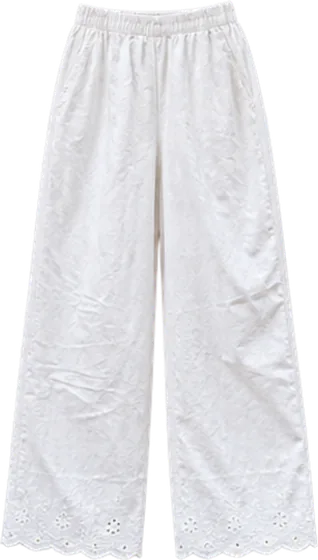
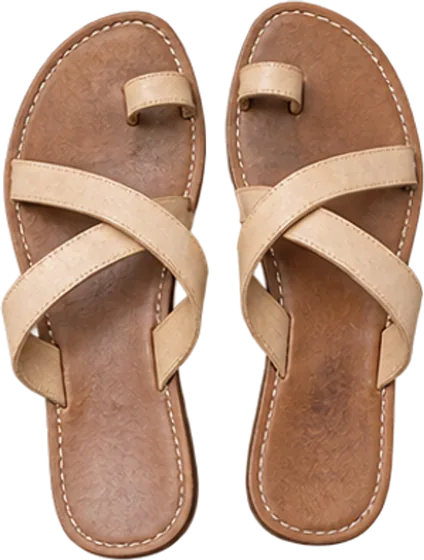
Every piece comes from your own photos, not from a product catalog. These are the things you actually own.


More than storage — it tells you what works
Every outfit gets an overall score and a six-dimension breakdown, with specific, actionable notes. We comment on the styling, never on your body.
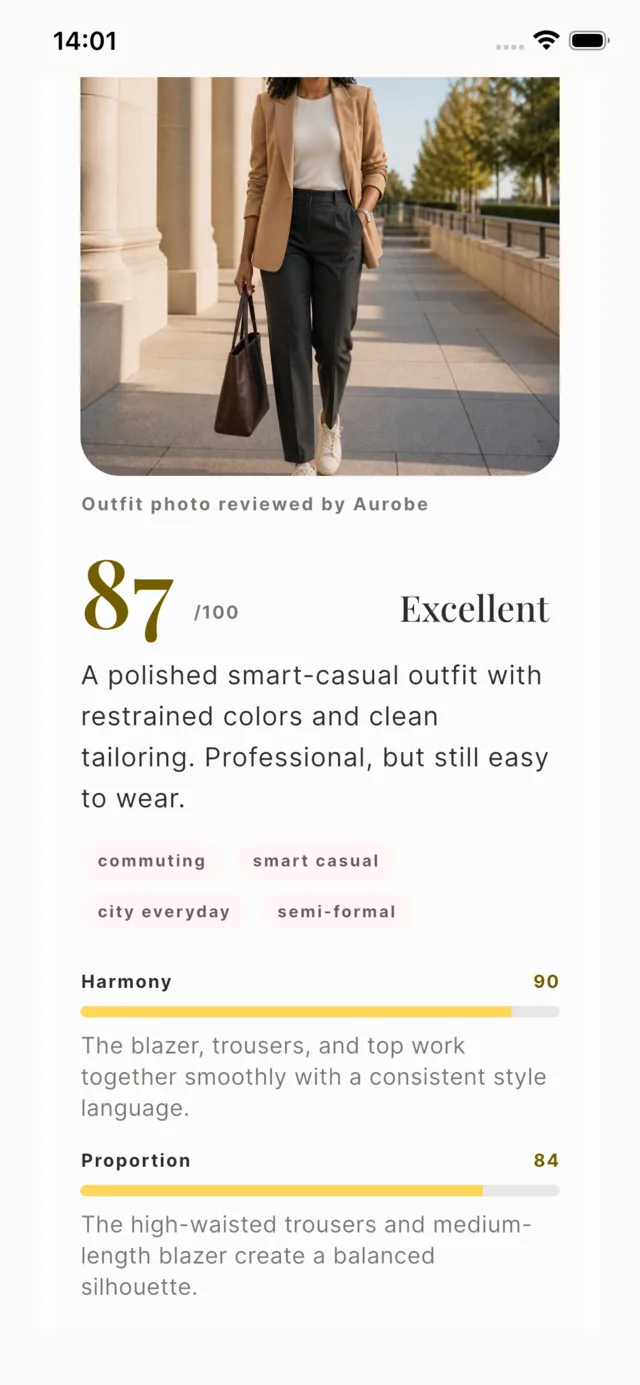
A score you can act on, not just a number
Harmony, proportion, colour, occasion, polish and style are each scored and explained. The notes are concrete: which hem is fighting the leg line, which accent colour has nothing to echo it.
“Clean and sharp overall. The palette stays within two main colours, and the loose knit plays against the drape of the straight-leg trousers. The red sneakers are the only accent, used with restraint.”
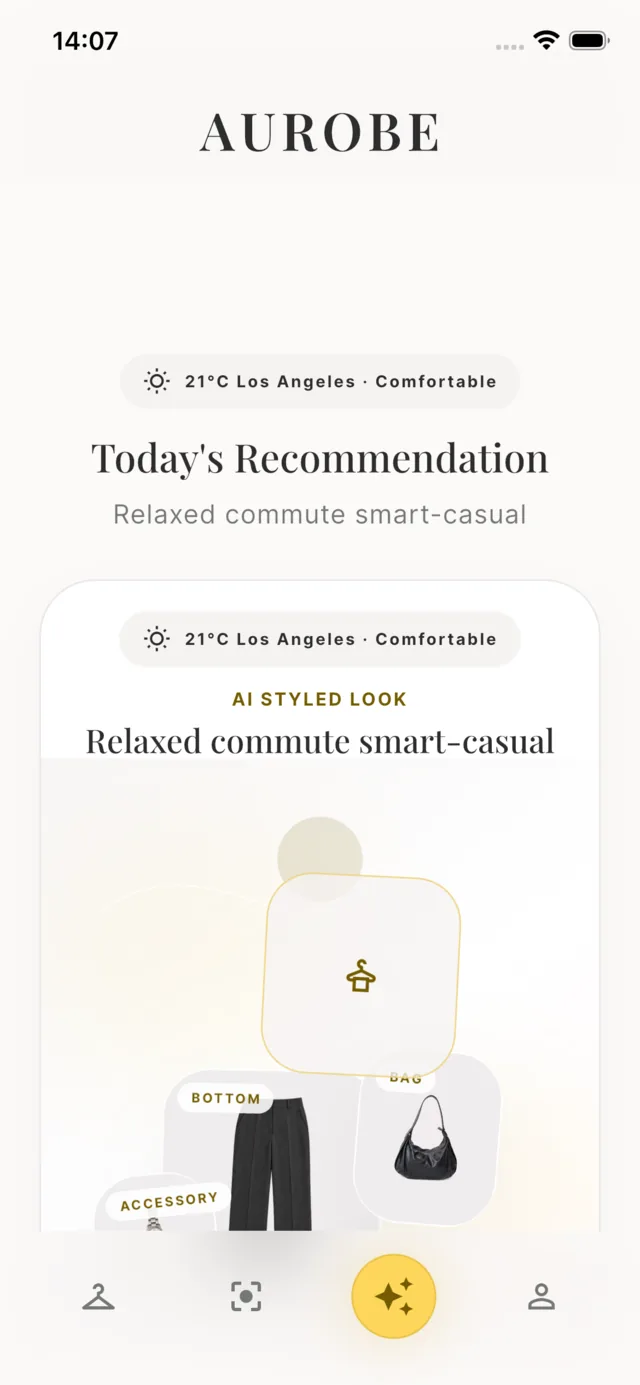
Tomorrow morning, it already knows what you own
Aurobe reads the weather where you are and puts together a look from the clothes already in your closet — not from a catalogue of things you would have to buy.
- Weather-aware: the temperature and how it will actually feel
- Built only from pieces you have already logged
- Named occasions — commuting, weekend, dinner — so you can pick fast
- Swap any piece and the rest of the look re-balances
Privacy first, not a slogan
Aurobe uploads only the outfit photos you choose. Your full library never leaves your phone.
Only the photo you pick
No background reading of your library, no bulk uploads. Only what you tap is sent.
Never used for training
Your photos are not used to train or improve AI models.
Delete anytime
Uploaded photos, your style profile and your entire account can all be deleted in Settings.
No data selling
We do not sell personal information or share it with third parties for advertising.
Pay per photo, or subscribe monthly
The app is free and new accounts get welcome credits. Analyzing one photo costs one credit; browsing your closet costs nothing.
Credit packs · buy once, never expires
5 credits
$0.40 per photo
- For the occasional closet tidy-up
- Never expires
20 credits
$0.25 per photo
- For logging a batch in one go
- Never expires
50 credits
$0.20 per photo
- Best rate without subscribing
- Never expires
Subscriptions · credited automatically every month
Plus monthly
25 credits a month
- Keeps your closet current
- Cancel anytime in Apple settings
Plus annual
300 credits a year
- Two months cheaper than monthly
- $0.20 per photo
Pro monthly
60 credits a month
- For logging outfits every day
- Cancel anytime in Apple settings
Pro annual
720 credits a year
- Lowest cost per photo
- $0.15 per photo
Prices shown are US App Store prices and vary by region; the price you pay is the one your App Store shows at purchase. Subscriptions renew automatically and can be cancelled anytime in your Apple account settings.
Questions people ask before downloading
What does Aurobe actually do?
You pick an outfit photo. Aurobe identifies every garment in it, turns each one into a clean item image on a transparent background, fills in category, colour, material and fit, and files them into your closet. It then reviews the whole look across six styling dimensions.
How long does analyzing one photo take?
Usually 60 to 90 seconds. In that time Aurobe identifies the pieces in the photo and turns each one into its own clean item image. A slow connection or a very large photo takes a little longer.
Does Aurobe read my whole photo library?
No. Only the photos you actively pick in the system photo picker are uploaded. Aurobe does not read your library in the background and never uploads it as a whole.
Are my photos used to train AI models?
No. Your photos are used only to complete the analysis you started. They are processed by our AI provider to identify the pieces and are not used to train or improve models. See the Privacy Policy for details.
What does Aurobe cost?
The app is free to download and new accounts get free welcome credits. Analyzing one photo costs one credit. After that you can buy credit packs from $1.99 or subscribe from $6.99 a month. Browsing your closet never costs a credit.
How is an outfit scored?
The review addresses the styling itself across six dimensions: harmony, proportion, colour, occasion, polish and style. It never comments on your body, face or age. A flat-lay of a single garment gets no score.
Which devices and languages are supported?
Aurobe runs on iPhone and iPad with iOS 15.0 or later. The interface is available in English and Simplified Chinese, follows your system language, and can also be switched manually in Settings.
Is there an Android version?
Not yet. Aurobe is available on the App Store today; Android is on the roadmap. Write to aurobe@onewooai.com to be told when it ships.
Your closet is already in your camera roll
 Free · 5 welcome credits · iPhone and iPad